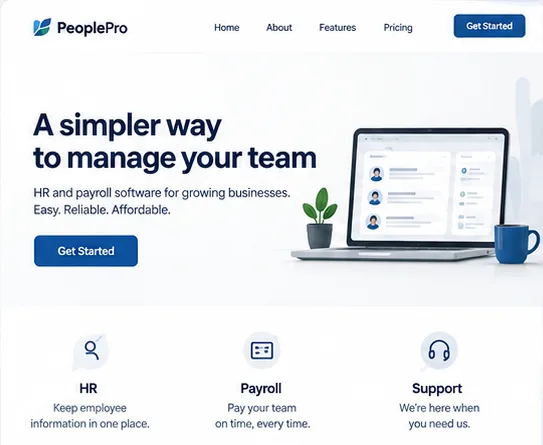
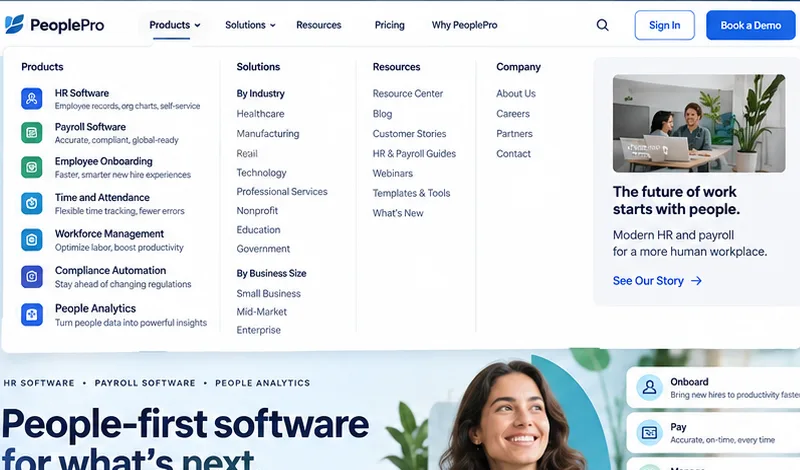
What needs answering?
Which signal matters now, who owns the next step and what context is needed before action?
 Research BuiltRESEARCH · DESIGN · SOFTWARE
Early discovery can be unbranded. Client readouts omit participant names.
Four interface directions explore how dense operational information can become a clearer daily action.
Content, interaction and visual direction for a complex decision. Each image has its own research-to-action trail.
Follow the R&D route from the audience question through design and evaluation.
Which signal matters now, who owns the next step and what context is needed before action?
Observe actual workflows, identify roles and decision frequency, and inventory the data sources and their reliability before choosing metrics.
The supplied screens explore opportunity queues, account context, outreach tasks and workflow status with different information densities.
Run realistic tasks with users, measure time and errors, test keyboard navigation and confirm that every status and recommendation has a trustworthy data source.
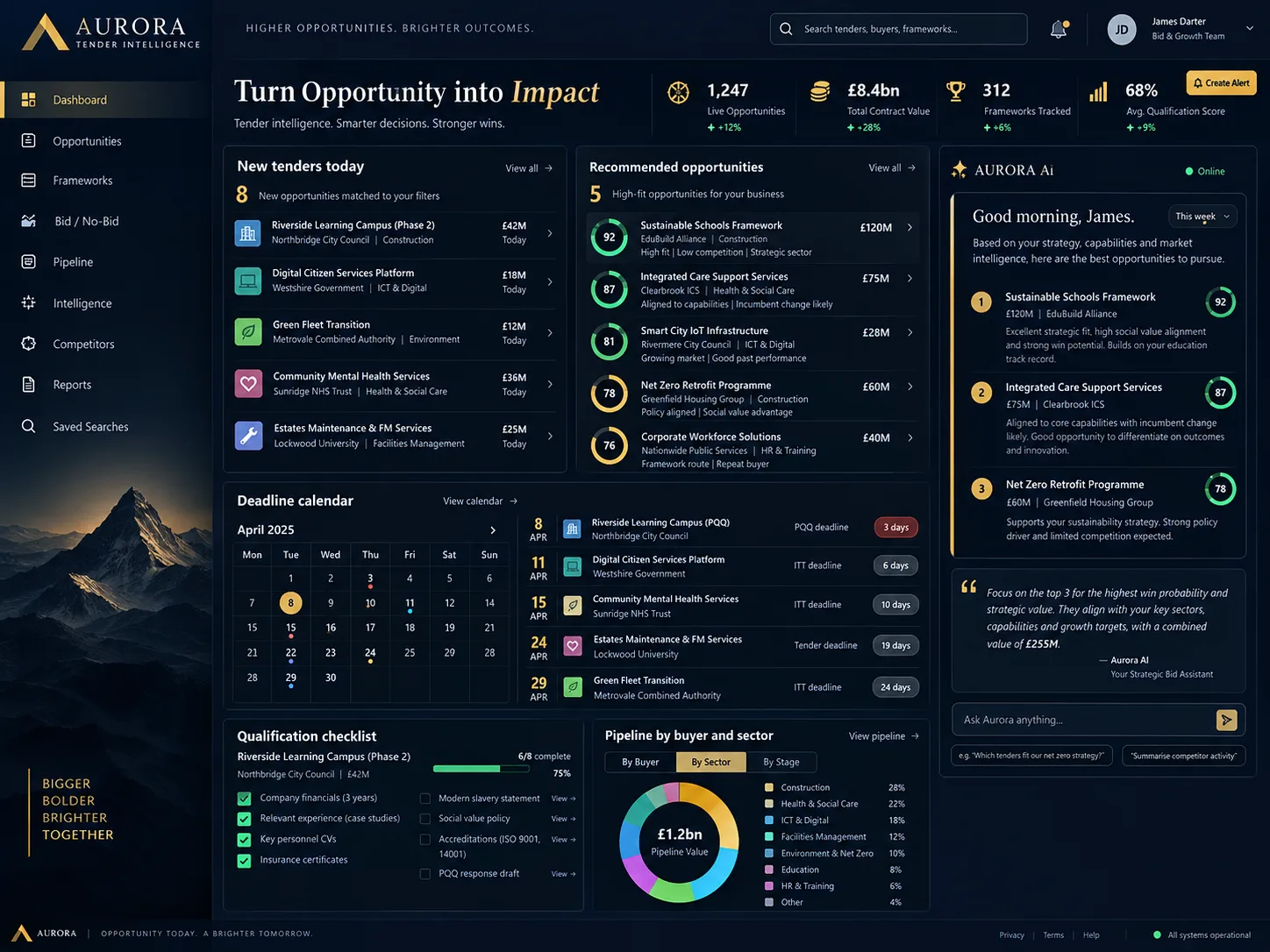
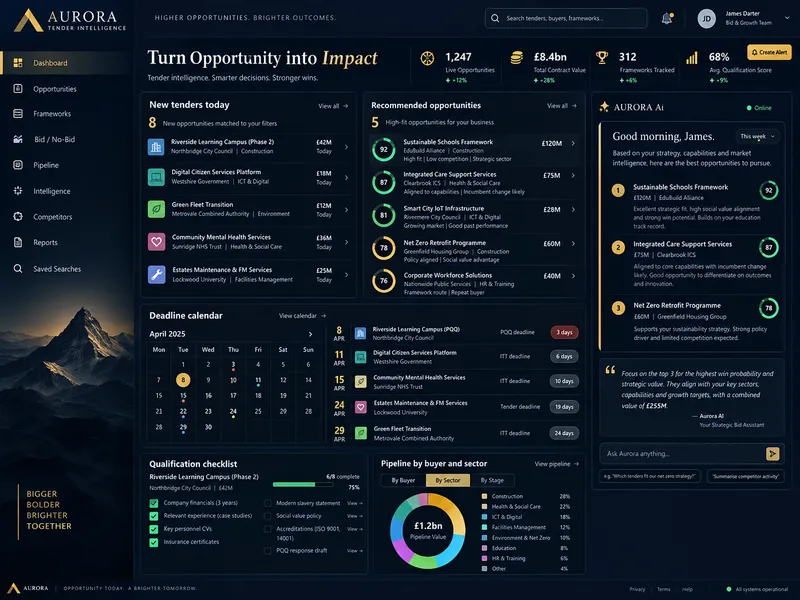
How could a bid team spot the most relevant opportunity first?
Follow the audience question, the visual response, the build and the task that would test it.
Observe bid teams prioritising opportunities and note the evidence they use to accept, defer or reject each one.
An opportunity list, recommendation column, deadlines and qualification checklist are brought into one view.
Join opportunity context, deadlines and qualification checks in one queue with explainable rankings and human override.
Test ranking explanations and deadline comprehension with a real bid workflow; verify that scores would be based on permitted data.
A clear priority list focuses the operator on the next decision rather than decorative dashboard totals.
For this product interface, success means moving from a relevant opportunity to a deliberate bid action.
Measure decision time, ranking overrides, missed deadlines and correctly qualified opportunities.
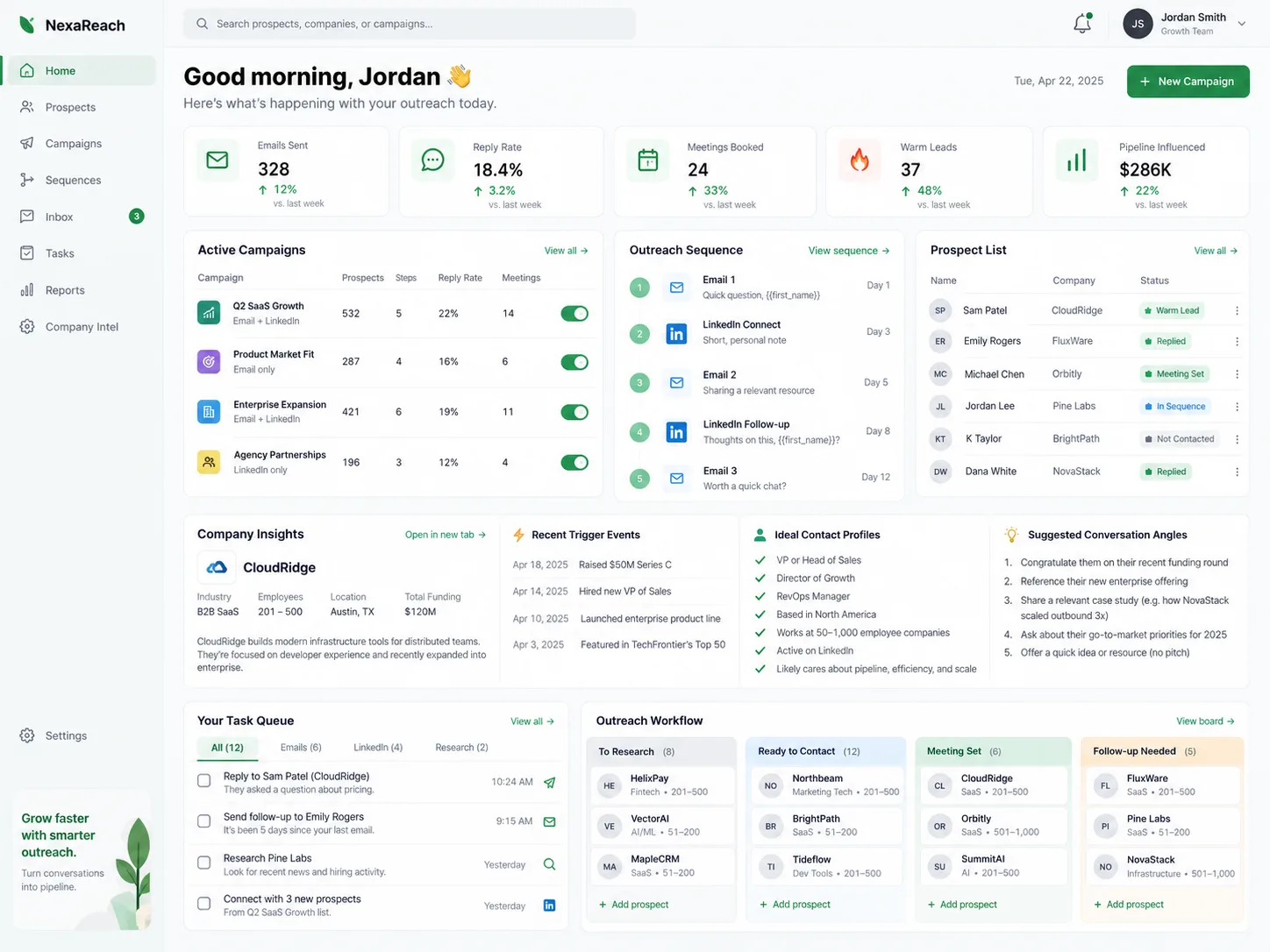
What should an outreach operator see at the start of the day?
Follow the audience question, the visual response, the build and the task that would test it.
Shadow an outreach operator at the start of the day and identify the context needed for each next action.
Campaign status, prospect queue, task list and suggested talking points share a light, calm dashboard.
Combine campaign state, prospect queue and tasks with accurate suggestions that staff can inspect and override.
Observe task completion and check whether suggested actions are accurate, permissioned and easy to override.
The calm visual hierarchy highlights the next task, reducing competition between many dashboard elements.
The interface supports an appropriate outreach action after context and permissions are checked.
Track task completion, mistaken actions, suggestion overrides and time spent finding account context.
Can an account view connect activity to a defensible next action?
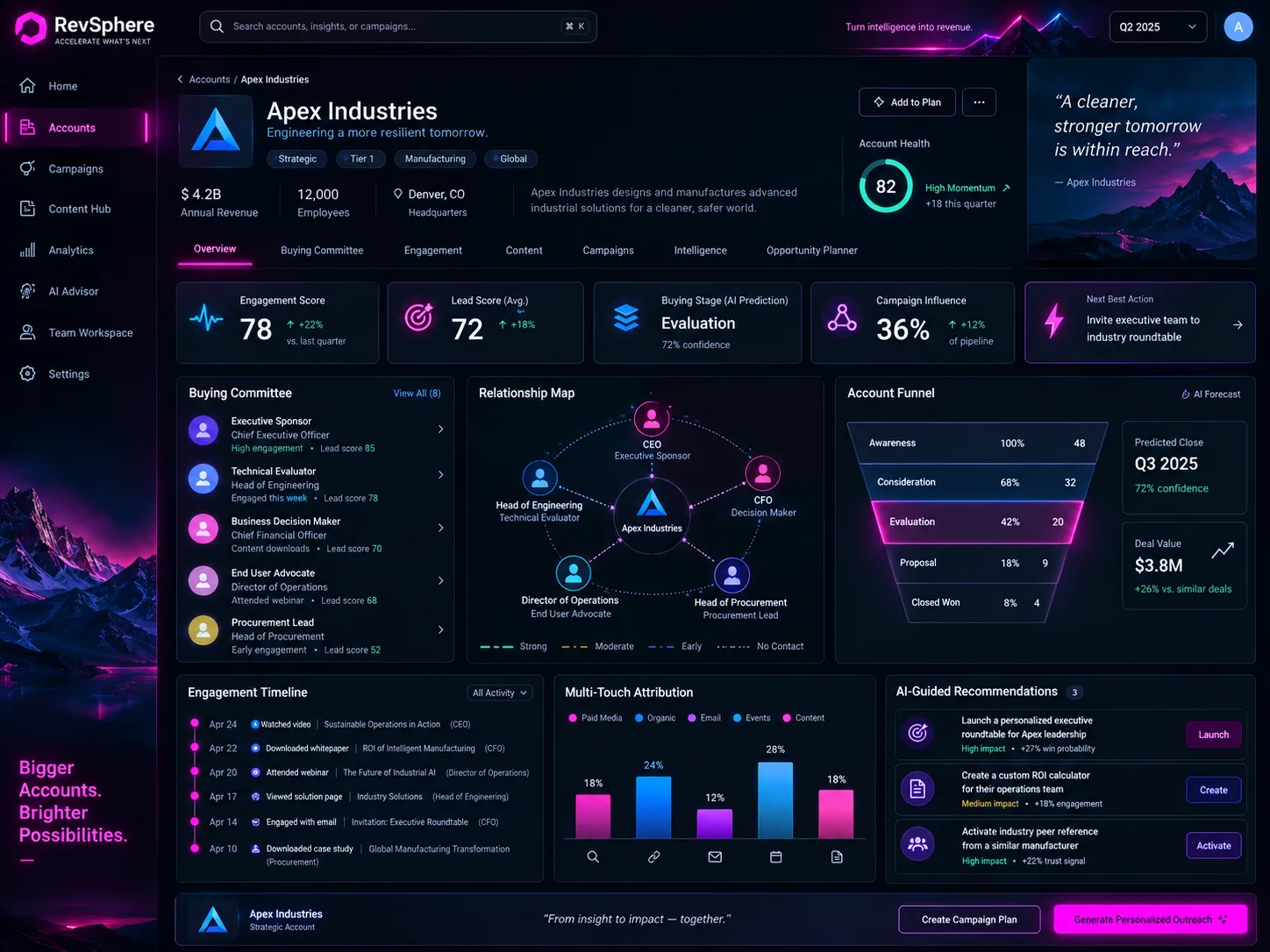
Follow the audience question, the visual response, the build and the task that would test it.
Observe account teams choosing a next action and map which signals are reliable, current and permitted to use.
Account signals, stakeholder map, funnel stage and an activity timeline are visible together.
Bring account history, stakeholder context and explainable signals into a view that retains a human decision point.
Use a real account scenario to test the explanation of scores, contact permissions and the route to a human decision.
The account map groups scattered information, making an emerging change visible without hiding its source.
A defensible next action can move an account conversation forward without mistaking a score for a decision.
Test score understanding, correct next actions, permission checks and useful conversation starts.
How can an automation product explain its value before asking for a trial?
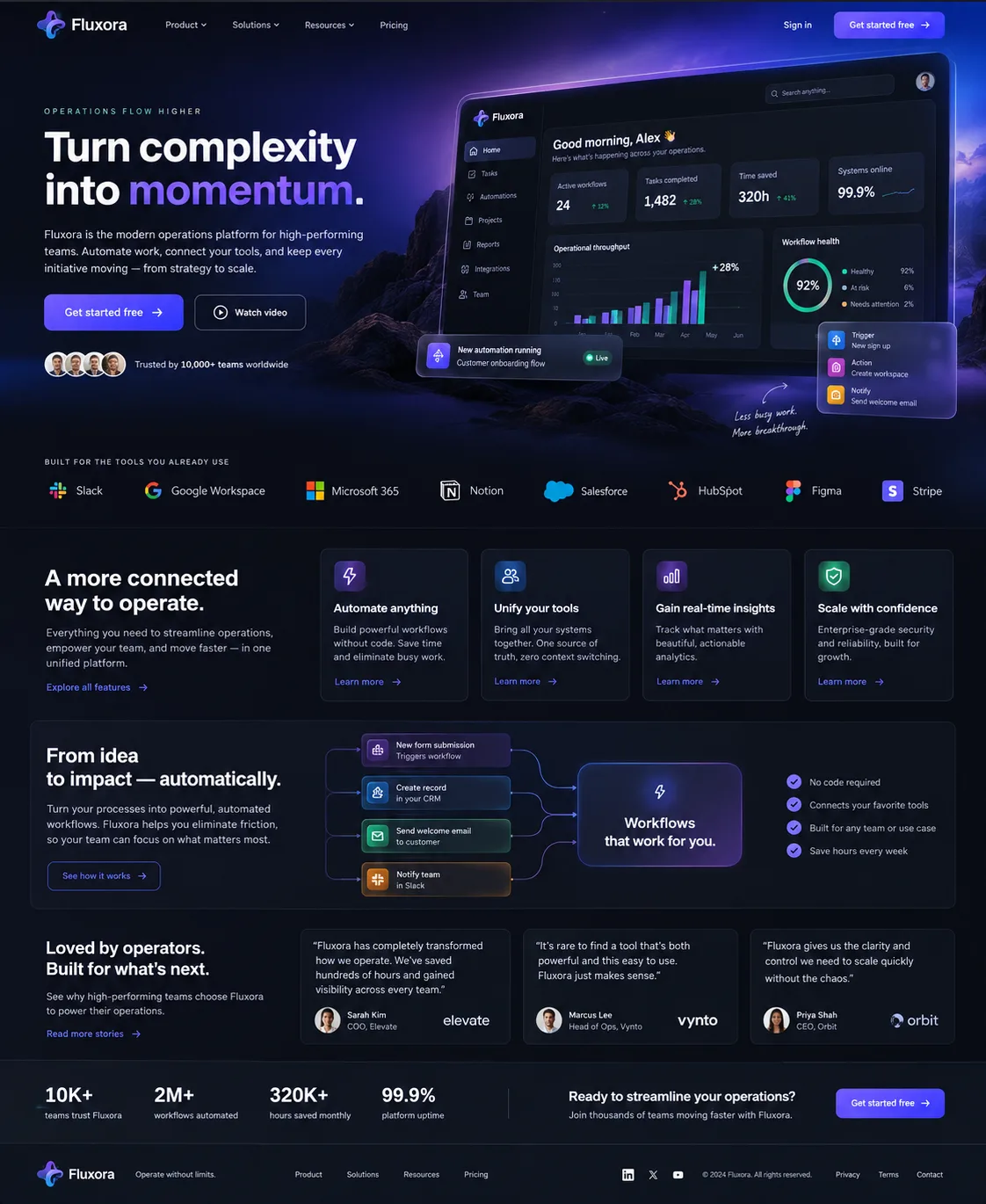
Follow the audience question, the visual response, the build and the task that would test it.
Ask operators which repetitive workflow they would automate first and what integration proof they require.
A product preview follows a direct proposition, then shows workflows and an integration story.
Show a working workflow preview, setup steps and approved integration detail before a trial request.
Test the first-use journey with operators and confirm that integration logos, product figures and testimonials are genuine before use.
The product preview makes an abstract automation promise concrete within the first view.
Seeing the workflow and implementation path gives a suitable visitor a reason to start a trial.
Test workflow comprehension, integration-detail finds, trial starts and activation of the first real task.
The visual shift follows a specific buyer question. Open each example for the method, page decision and test.
Festival, music, streetwear and creative-space directions show visual range without treating expression as a substitute for usability.
Start with the decision your customer needs to make or the task your team needs to complete. We will scope the work around that.
Our team keeps an eye on changing markets, buyer behaviour, search habits and competing suppliers across 77 sectors. We bring that work together in our in-house sector research database, alongside current studies and the research context in our 2011–2026 reference archive.
Researchers use that shared context to shape the questions, copy, design and tests for your business. Interviews, focus groups, usability sessions and appropriate A/B tests add evidence specific to your buyers. Findings stay connected to the sector, buying role and task, so the whole website works towards the same purpose.
We build privately and take you through three review checks. Request your refund before final approval or authorised public deployment, whichever happens first, and we return 100% of covered website fees, including VAT. No questions asked.
Your peace of mind comes first. We listen to your feedback, refine the details and walk you through your website before you approve it.
We apply the ISO 9001 quality management method and the ISO/IEC 27001 information security method across research, design, development, release and ongoing improvement. Each connects the work to named owners, checks and reviewable records.
We define the buyer task and acceptance criteria, record research and design decisions, review changes, test the agreed journeys and approve the release against its requirements.
We map information flows, assess risks, choose relevant controls and review access, suppliers and changes. Backup and response checks inform the next security review.